 y
yUse a universal wishlist app to save items from any store, then share the link with your family. The best apps let people mark items as "purchased" so you don't get duplicates.
Best for families: Giftster (2M+ members). Best design: Moonsift. Best for fashion: Wontsy.
The Duplicate Gift Problem
You've probably experienced this: two relatives buy you the same thing because they didn't know the other one already got it.
It happens because most people share wishlists the old way – texting screenshots, emailing links, or just telling people "I want X from Y store." There's no coordination.
The solution is simple: a shared wishlist where people can mark items as purchased. Everyone sees what's still available, no duplicates.
How to Create and Share a Wishlist
Here's how to set up a shareable wishlist in a few minutes:
Choose one that saves from any store (not just Amazon). See the comparison below.
Install the browser extension. When you see something you want, click the save button.
Create lists like "Birthday wishlist" or "Christmas ideas" to keep things organized.
Copy the shareable link and send via text, email, or drop it in your family group chat.
Pro tip: Most apps don't require your family to create an account to view your wishlist. They just click the link.
Best Apps for Sharing Wishlists
These apps are specifically built for sharing wishlists with family and friends. Each has different strengths.
Giftster – Best for Families
Giftster
Giftster is built specifically for families. Everyone in your group creates their own wishlist, and you can all see each other's lists. When someone buys an item, they mark it purchased – but only they can see who bought what.
Has been around for years and is trusted by over 2 million members. Works on any device. You can even create child accounts under your login to manage kids' wishlists.
Giftwhale – Best Free Option
Giftwhale
Giftwhale grew 30% in 2025 and has a 4.9/5 review score. Completely free and unlimited – no premium tier, no hidden fees. Works for any occasion: birthdays, baby showers, weddings, Christmas, Secret Santa.
Simple and clean interface. Families keep returning for every occasion because it just works.
Moonsift – Best Gift List Mode
Moonsift
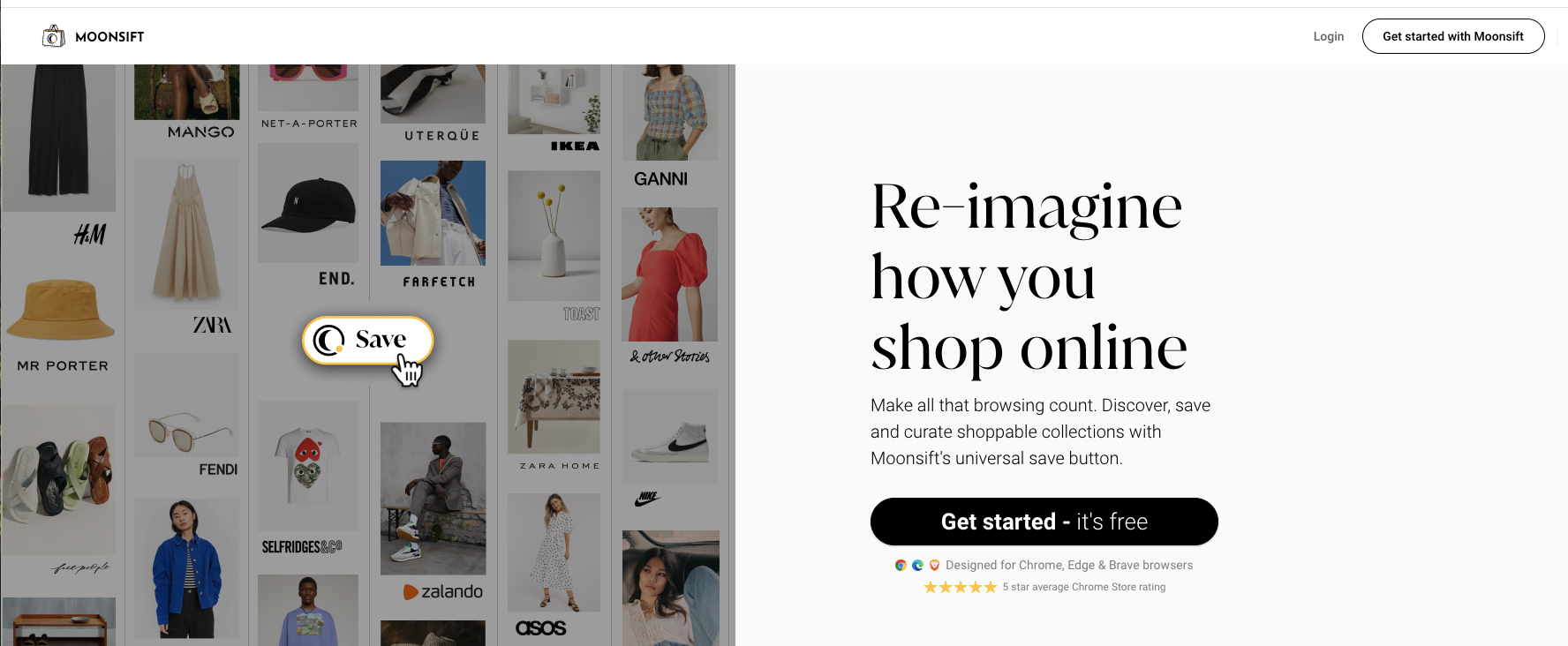
Moonsift has the cleanest design of any wishlist app. The "Gift list" mode is perfect for sharing – friends can mark items as purchased without you seeing who bought what, keeping the surprise.
When you share, recipients don't need to create an account. Just click the link and view. Great for one-time sharing with extended family or friends.
Elfster – Best for Secret Santa
Elfster
If you're organizing a Secret Santa or gift exchange, Elfster is purpose-built for this. Automated name drawing, wishlists for each person, and gift tracking. 17 million people have used it.
Less useful for everyday wishlists (it's really focused on gift exchanges), but perfect for the holiday season or office parties.
Wontsy – Best for Fashion Sharing

Wontsy
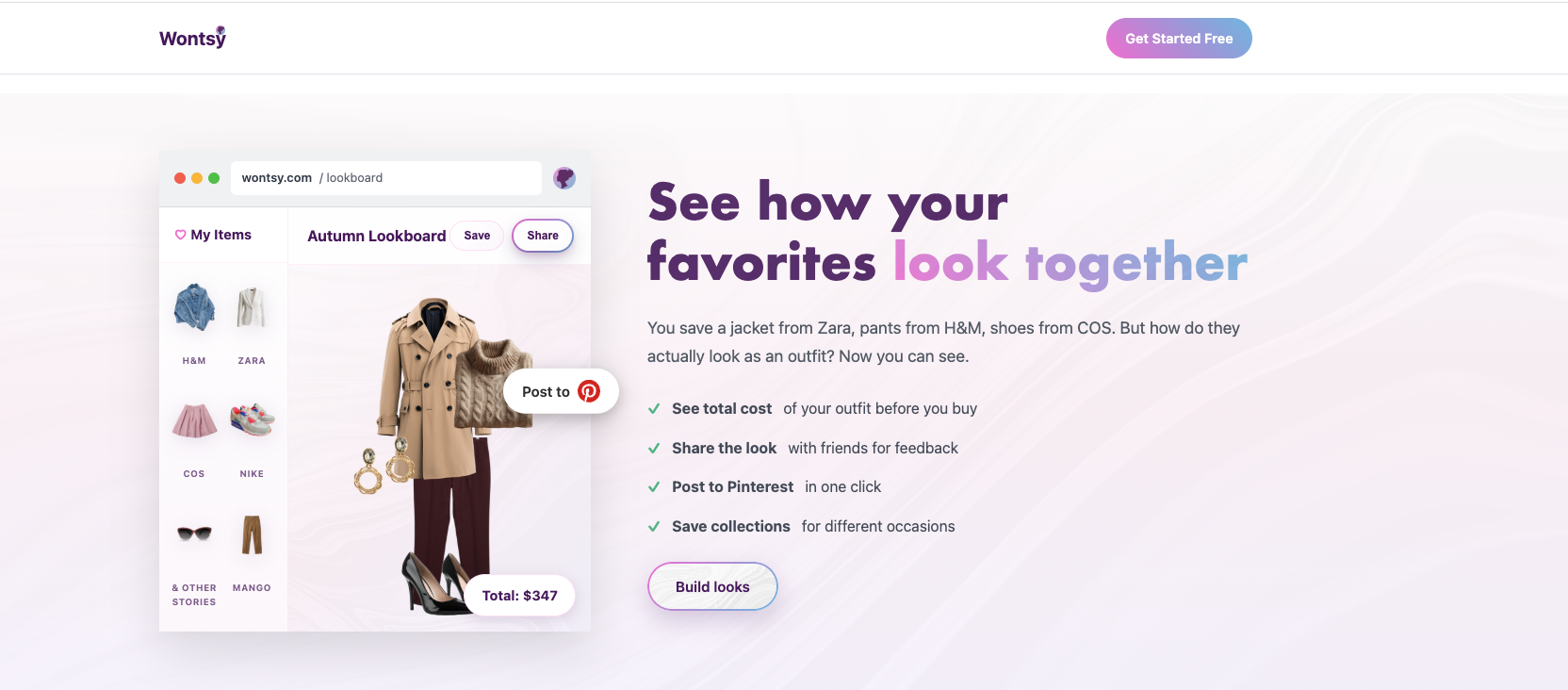
Full disclosure: this is us. Wontsy is different because it's built for fashion. You can share individual items, entire collections, or complete outfit looks.
The outfit builder lets you show friends exactly how pieces go together – useful when asking "which one should I get?" or sharing gift ideas that coordinate. Share directly to Pinterest or via link.
If you're mostly sharing home goods or electronics, the other apps work great. But for fashion wishlists and outfit sharing, that's what this is built for.
Quick Comparison
| Feature | Giftster | Giftwhale | Moonsift | Elfster | Wontsy |
|---|---|---|---|---|---|
| Save from any store | Yes | Yes | Yes | Yes | Yes |
| Purchase tracking | Yes | Yes | Yes | Yes | Yes |
| Family groups | Yes | No | No | Yes | No |
| Secret Santa | No | No | No | Yes | No |
| Outfit sharing | No | No | No | No | Yes |
| Price | Free | Free | Free | Free | Free |
Tips for Better Wishlist Sharing
- Add different price ranges – Include cheap and expensive options so everyone can find something in their budget
- Update regularly – Remove items you've already bought yourself or no longer want
- Add notes – "Size M" or "Blue color" helps people get exactly what you want
- Share one link for everything – Instead of separate lists for each store, use a universal wishlist
- Pin your wishlist – Put the link in your Instagram bio or pin it in family group chats
Share fashion wishlists and outfit looks with friends.
Try Wontsy FreeFrequently Asked Questions
How do I share a wishlist with family?
Use a wishlist app like Giftster, Moonsift, or Wontsy. Add items from any store using the browser extension, organize into a collection, then share the link via text, email, or your family group chat. Most apps let people view without creating an account.
What's the best wishlist app for families?
Giftster is built specifically for families with 2 million+ members. Everyone in your family creates their own wishlist and can view each other's. Giftwhale is also great and completely free with a 4.9/5 rating.
Can I share a wishlist from multiple stores?
Yes. Universal wishlist apps save items from any online store into one list. Instead of sending separate Amazon, Zara, and H&M wishlists, you share one link with everything.
How do I avoid getting duplicate gifts?
Use a wishlist app with "purchase tracking" where people can mark items as bought. Everyone sees what's still available. Apps like Giftster and Moonsift hide who bought what to keep the surprise.
Do people need an account to see my wishlist?
Usually no. Most wishlist apps let you share a public link that anyone can view without signing up. They only need an account if they want to mark items as purchased or create their own list.