 y
yA universal wishlist is an app or browser extension that saves items from any online store into one list. Instead of separate wishlists on Amazon, Zara, H&M, and everywhere else, you have everything in one place.
What is a Universal Wishlist?
A universal wishlist is exactly what it sounds like: one wishlist that works on any website.
Most stores have their own wishlists – Amazon has one, Zara has one, H&M has one. But those only work on their own site. If you shop at 10 different stores, you end up with 10 different wishlists scattered everywhere.
A universal wishlist fixes this. You install a browser extension, and whenever you see something you want – on any website – you click one button to save it. Everything goes to the same place.
Why You Need a Universal Wishlist
Without Universal Wishlist
- Items scattered across 10+ store accounts
- Forget what you saved and where
- Can't compare items from different stores
- Have to share multiple links for gifts
- No single view of what you want
With Universal Wishlist
- Everything in one place
- Easy to find and organize
- Compare similar items side by side
- Share one link with all your items
- See total cost of what you want
The main benefit is simple: you can actually find your saved items later. No more "I saved a jacket somewhere... was it ASOS? Zara? H&M?" It's all in one app.
How a Universal Wishlist Works
Most universal wishlists work through a browser extension. Here's the typical flow:
Add it to Chrome, Safari, or your browser of choice. Takes 30 seconds.
Shop on any website – Amazon, Zara, small boutiques, anywhere.
When you see something you want, click the extension button. The item's image, price, and link are automatically saved.
Open your wishlist to see everything you've saved. Create folders, share with friends, or just come back later to buy.
Most universal wishlists also have mobile apps, so you can access your saved items on your phone – even if you saved them on desktop.
Best Universal Wishlist Apps
There are several good options. Each has slightly different strengths.
Moonsift – Cleanest Design
Moonsift
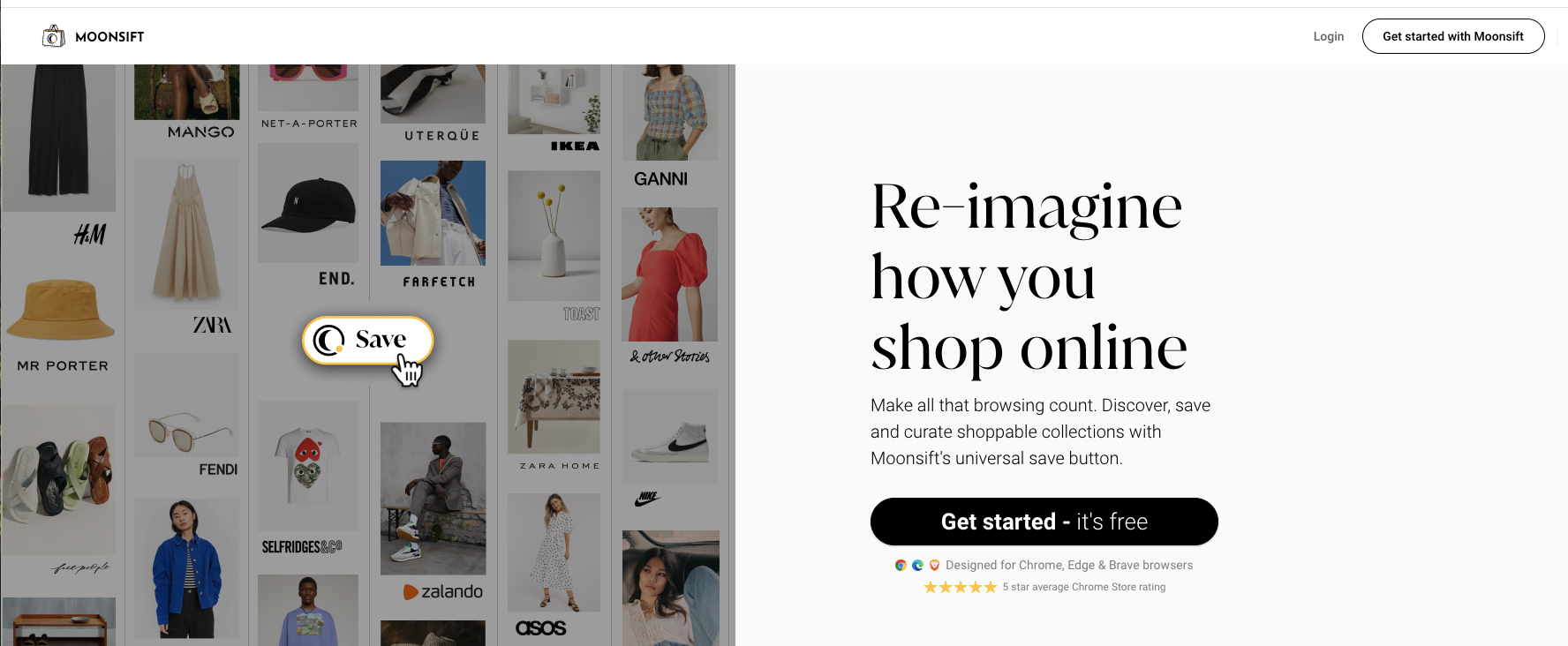
Moonsift is the most polished universal wishlist. Clean interface, works on any store, and organizes items into visual collections. Popular with interior designers and personal shoppers.
Chestr – Best Price Tracking
Chestr

Chestr focuses on price tracking. It shows you actual price history charts so you can tell if a sale is real. Get notifications when items drop in price.
Sortd – Simple & Popular
Sortd

Sortd keeps things simple. 200,000+ people use it because it just works – save items, organize into lists, get notified about price drops. Completely free.
Wontsy – Best for Fashion

Wontsy
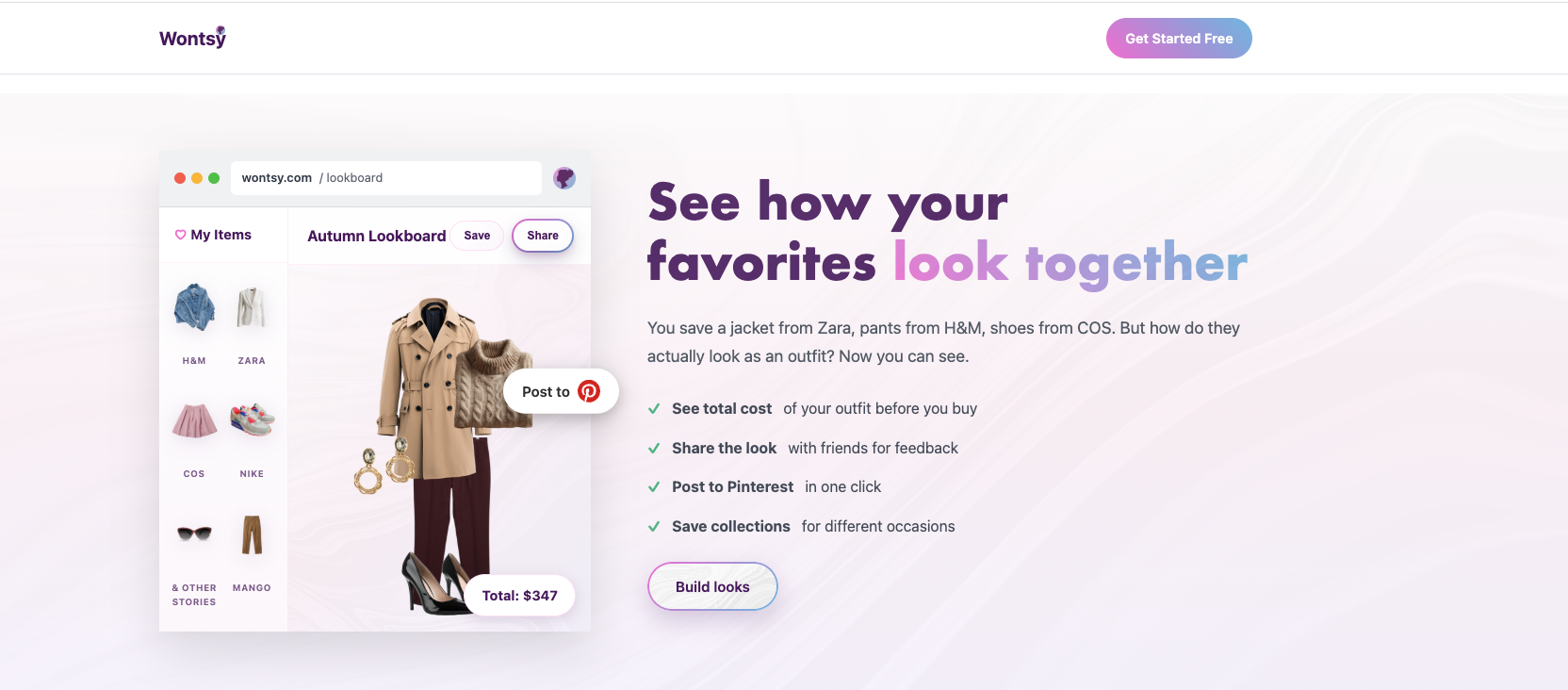
Full disclosure: this is us. Wontsy works as a universal wishlist but is specifically designed for fashion shopping.
The unique feature is the outfit builder: drag items from different stores together to see how they'd look as a complete outfit. See total cost, share to Pinterest, get feedback from friends.
If you're saving electronics or home goods, the other apps work great. For clothes and outfit planning, that's what Wontsy is built for.
How to Get Started
Setting up a universal wishlist takes about 2 minutes:
- Pick an app – Based on what matters most (design, price tracking, fashion features)
- Install the browser extension – All major options have Chrome extensions, most have Safari too
- Start saving – Next time you see something you want, click the button
That's it. Your wishlist builds itself as you browse.
Pro tip: Pick one app and stick with it. The whole point is to have everything in one place – don't split across multiple wishlist apps.
Save items from any store. Plan outfits before you buy.
Try Wontsy FreeFrequently Asked Questions
What is a universal wishlist?
A universal wishlist is an app or browser extension that lets you save items from any online store into one list. Instead of having separate wishlists on Amazon, Zara, H&M, etc., everything is in one place.
How does a universal wishlist work?
You install a browser extension. When you see something you want on any website, click the save button. The item gets added to your wishlist with the image, price, and link – all automatically.
What's the best universal wishlist app?
It depends on your priorities. Moonsift has the cleanest design. Chestr is best for price tracking with history charts. Sortd has 200K+ users and is completely free. Wontsy is best for fashion with outfit building features.
Are universal wishlists free?
Yes, all the major options (Moonsift, Chestr, Sortd, Wontsy) are free for basic use. Some have premium features, but saving items from any store is free on all of them.
Can I share a universal wishlist?
Yes. Universal wishlist apps let you share your list with a link. Friends and family can view everything you've saved without needing to create an account. Great for gift-giving occasions.
How do I organize saved items from different online shops in one place?
Use a universal wishlist app with a browser extension. Save items as you browse any store, then organize them into collections or folders. Wontsy also lets you drag items into outfit combinations to see how they work together before buying.
Is there a browser extension to save items I want to buy later?
Yes – several. Wontsy has extensions for Chrome and Safari. Moonsift and Chestr have Chrome extensions. Install one, and you can save any product from any website to your wishlist with one click. The item's image, price, and link are saved automatically.