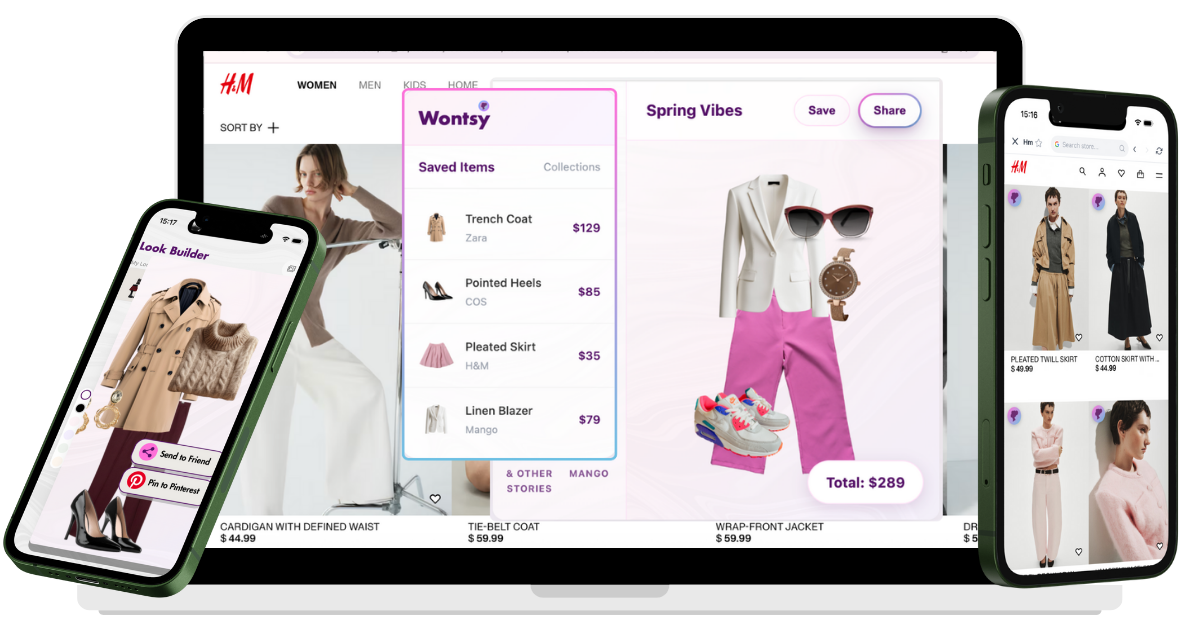
Use a universal wishlist app with a browser extension. Install it once, then save items from any website with one click. The main options:
- Best for gift lists: Moonsift
- Best for price tracking: Chestr
- Best for fashion: Wontsy
You're browsing Zara and find a jacket you love. Then you see matching pants on H&M. And shoes on ASOS. Now you have three browser tabs open, trying to remember what goes with what. By tomorrow, you've forgotten half of it.
This is the scattered wishlist problem. Every store has its own wishlist, nothing connects, and you end up buying things that don't work together—or forgetting about things you actually wanted.
The solution is a universal wishlist: one app that saves items from any store into a single place. This guide explains how they work and which one to use.
Why Store Wishlists Don't Work
Most online stores have built-in wishlists. The problem is they only work on that store. Your Zara wishlist can't talk to your H&M wishlist.
This causes real problems:
- You forget what you saved – Items get lost across 10 different accounts
- You can't see outfits together – No way to check if pieces from different stores match
- You miss price drops – No unified tracking across retailers
- Gift lists are scattered – Hard to share one list with family

Amazon used to have a universal wishlist browser extension that worked on other sites. They discontinued it in 2024, leaving a gap that several apps now fill.
How Do Universal Wishlist Apps Work?
Universal wishlists work through browser extensions. You install a small add-on in Chrome or Safari, then use it to save items as you browse.
Here's what happens when you click save:
- The extension reads the product page
- It captures the image, price, name, and URL
- Everything gets saved to your wishlist in the app
- You can organize items into collections
This works on virtually any e-commerce site—from major retailers like Nordstrom to small independent shops. If it has a product page, you can save it.
The browser extension is essential. Without it, you'd have to manually copy links and screenshots—which defeats the purpose.
What Apps Let Me Save Products Across Multiple Retailers?
Several apps offer universal wishlists. Each has different strengths depending on how you shop.
Moonsift
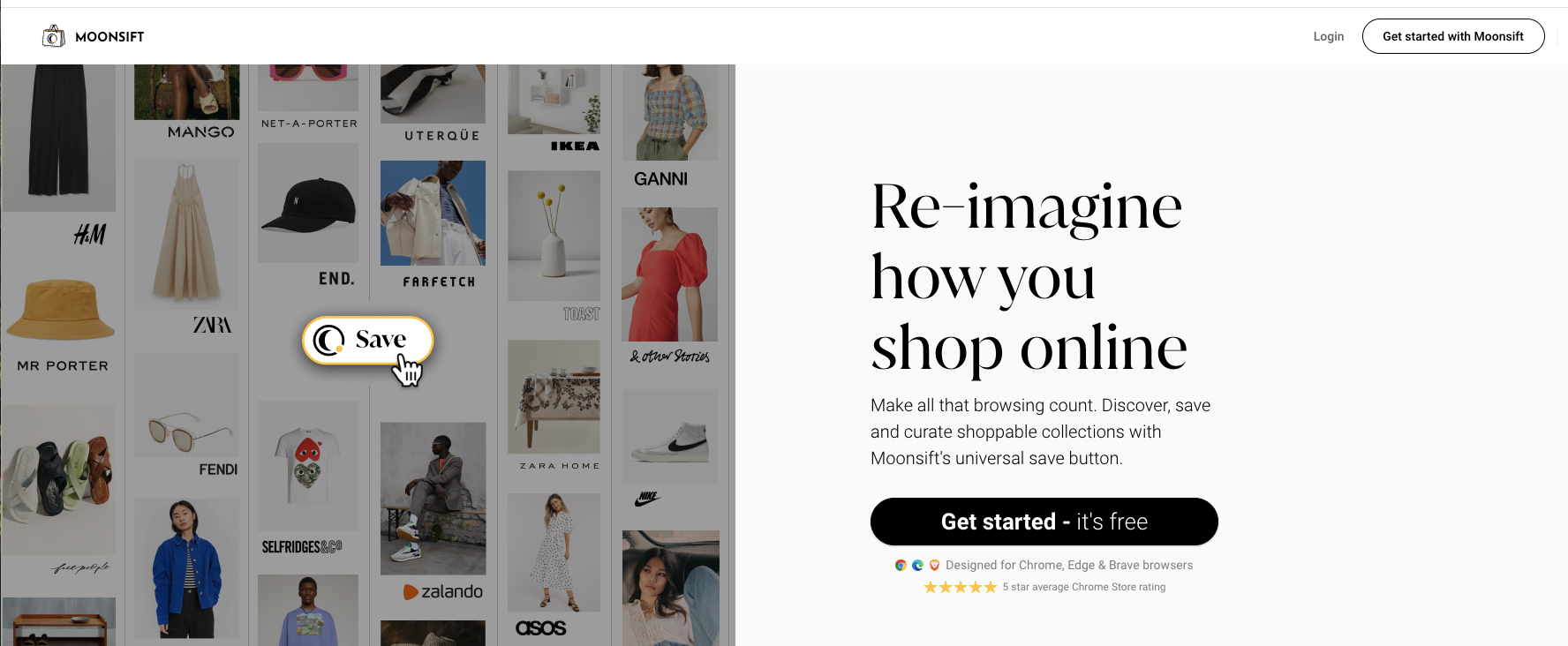
Moonsift has a clean interface and strong sharing features. The gift registry mode is popular for birthdays and weddings—people can view your list and mark items as purchased without creating an account. Price alerts are included.
Chestr
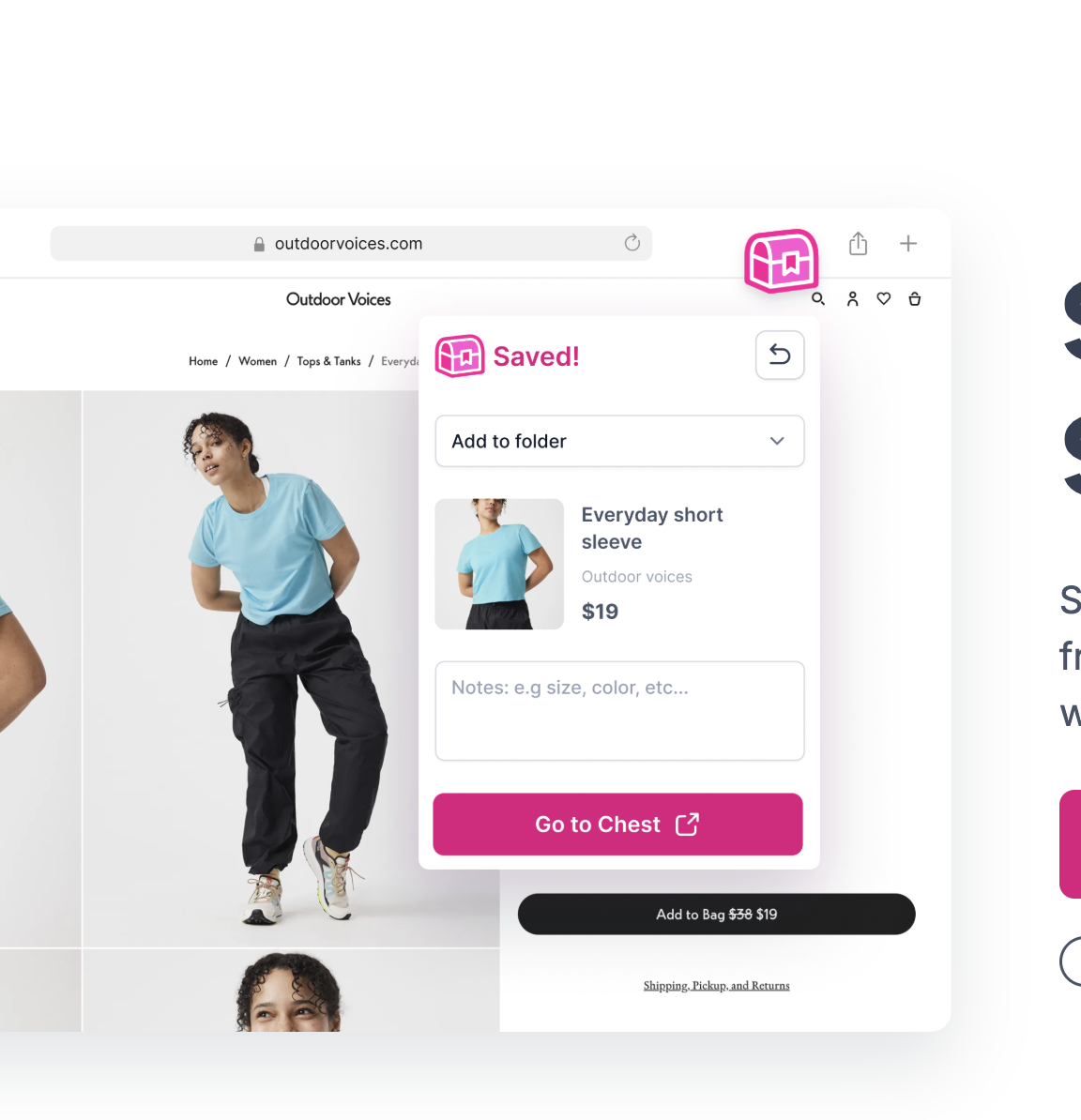
Chestr focuses on price tracking with actual history charts showing how prices changed over time. If you're patient and want to buy at the lowest price, this shows exactly when items tend to go on sale. The interface is more data-focused than visual.

Wontsy
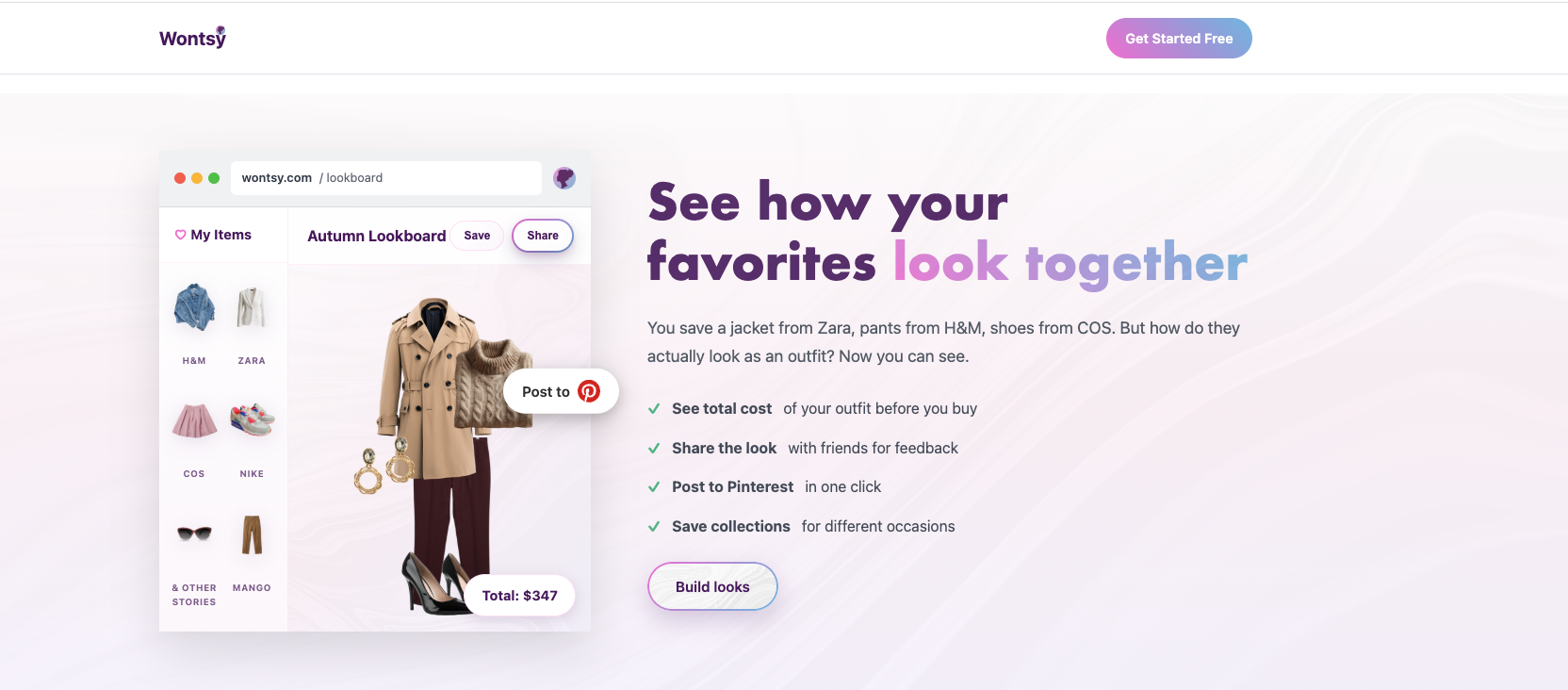
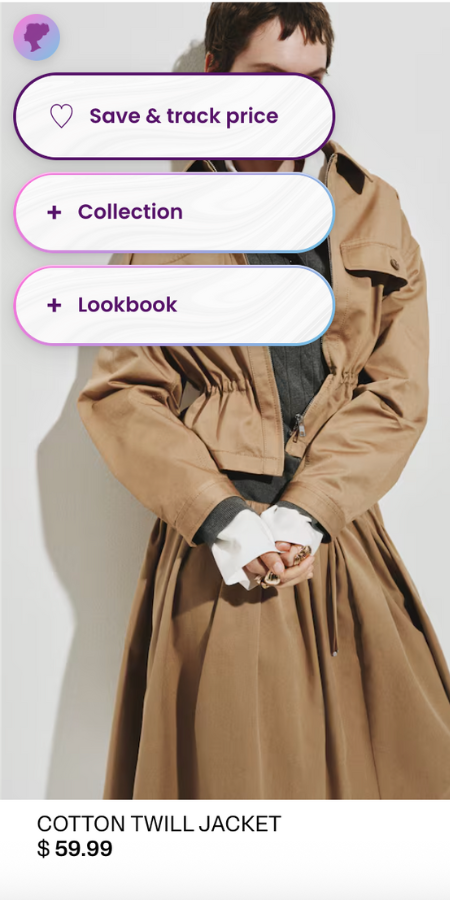
Full disclosure: this is us. Wontsy is built specifically for fashion shopping. Beyond saving items, it has an outfit builder where you can drag and drop saved pieces to see how they look together before buying. Also the only option with Safari support. Best if you mainly save clothes and want to plan outfits.
Feature Comparison
Here's how the main options compare on key features:
| Feature | Moonsift | Chestr | Wontsy |
|---|---|---|---|
| Save from any store | ✓ | ✓ | ✓ |
| Chrome extension | ✓ | ✓ | ✓ |
| Safari extension | – | – | ✓ |
| Mobile app | iOS, Android | – | iOS, Android |
| Price tracking | ✓ | ✓ (with history) | ✓ |
| Gift registry mode | ✓ | – | ✓ |
| Outfit builder | – | – | ✓ |
| Price | Free | Free | Free |
Step-by-Step: How to Save Items From Any Store
Here's how to set up a universal wishlist using Wontsy (the process is similar for other apps):
-
Install the browser extension
Go to wontsy.com and click "Add to Chrome" or "Add to Safari." The extension installs in seconds and adds a small icon to your browser toolbar.
-
Create a free account
Sign up with email or Google. This syncs your wishlist across devices so you can access it on your phone too.
-
Browse any store and save items
Shop normally on any website. When you see something you want, click the Wontsy extension icon. The item is saved with its image, price, and link.
-
Organize into collections
Group items by category, season, or occasion. Create collections like "Summer 2026," "Work Outfits," or "Birthday Wishlist."
-
Build outfits (optional)
For clothing, open the outfit builder and drag items onto a canvas. See how pieces from different stores work together before buying anything.
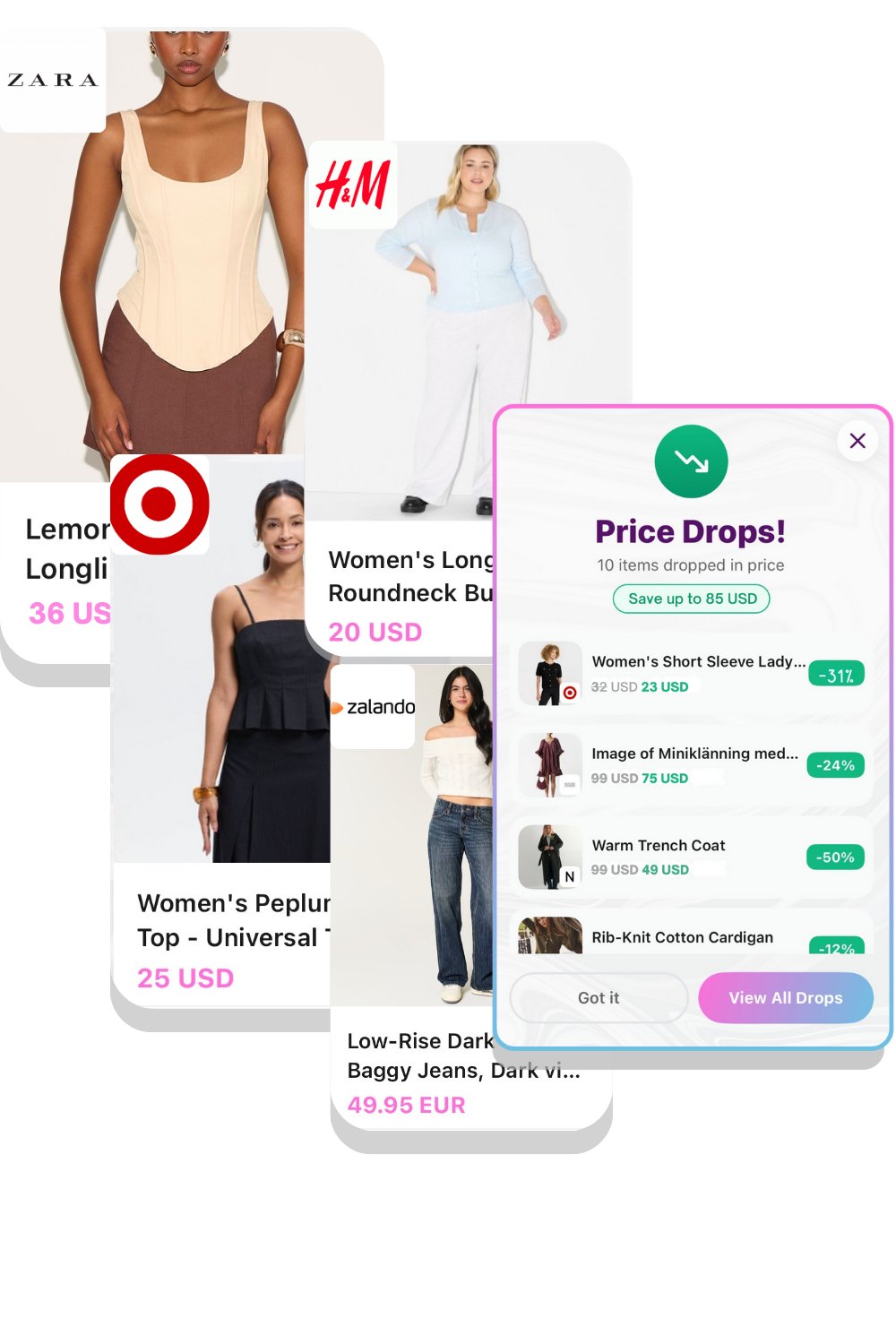
Pro tip: Pin the extension to your toolbar for quick access. In Chrome, click the puzzle icon and pin Wontsy.
Which App Should You Choose?
The right choice depends on how you shop:
- For gift lists and sharing – Use Moonsift. The gift registry mode lets people mark items as purchased.
- For price tracking – Use Chestr. The price history charts show exactly when things go on sale.
- For fashion and outfits – Use Wontsy. The outfit builder lets you plan looks before buying.
- For Safari users – Use Wontsy. It's the only option with Safari support.
All three are free for basic use, so you can try them and see which fits your workflow.
Shopping for fashion? Save items from any store and plan outfits before you buy.
Try Wontsy FreeFrequently Asked Questions
How can I save items from any online store to buy later?
Use a universal wishlist app with a browser extension. Install the extension (available for Chrome and Safari), then click it when you see something you want on any website. The item is saved with its image, price, and link. Popular options include Wontsy, Moonsift, and Chestr.
What apps let me save products across multiple retailers?
Universal wishlist apps like Moonsift, Wontsy, and Chestr let you save products from any online store into one place. They work via browser extensions that capture product details automatically. Wontsy also has Safari support and outfit building for fashion items.
Is there a browser extension to save items from any e-commerce website?
Yes. Wontsy offers extensions for both Chrome and Safari. Moonsift and Chestr have Chrome extensions. These work on virtually any e-commerce site—from major retailers like Amazon and Zara to small independent shops.
How do I organize saved items from different online shops in one place?
Universal wishlist apps let you create collections or folders to organize saved items by category, occasion, or any system you prefer. Wontsy also lets you drag items into outfit combinations if you're saving clothing.
What services offer universal wishlists for multiple stores?
The main universal wishlist services are Moonsift (best for gift lists), Chestr (best for price tracking), and Wontsy (best for fashion with outfit building). All are free for basic use and work across any online store.
What happened to Amazon's universal wishlist?
Amazon discontinued their universal wishlist browser extension in 2024. It used to let you save items from other websites to your Amazon list. The alternatives mentioned above (Moonsift, Chestr, Wontsy) now fill this gap with more features. See our guide on Amazon wishlist alternatives.